New Dramachi v2.9 is now available. Update now
v2.9 Updated 24 Sep 2026

Stream & Download Asian Dramas, TV Series, Anime & Movies

Korean · Chinese · Thai · Japanese · Anime · TV Series · Movies — all in one Android app. Watch offline in HD with English subtitles. Completely free.

  • Virus-free APK
  • Only 6.4 MB
  • English / Multi subs
  • Offline downloads
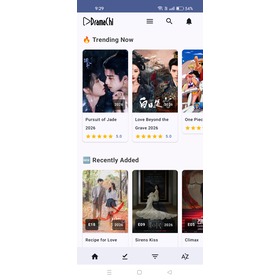
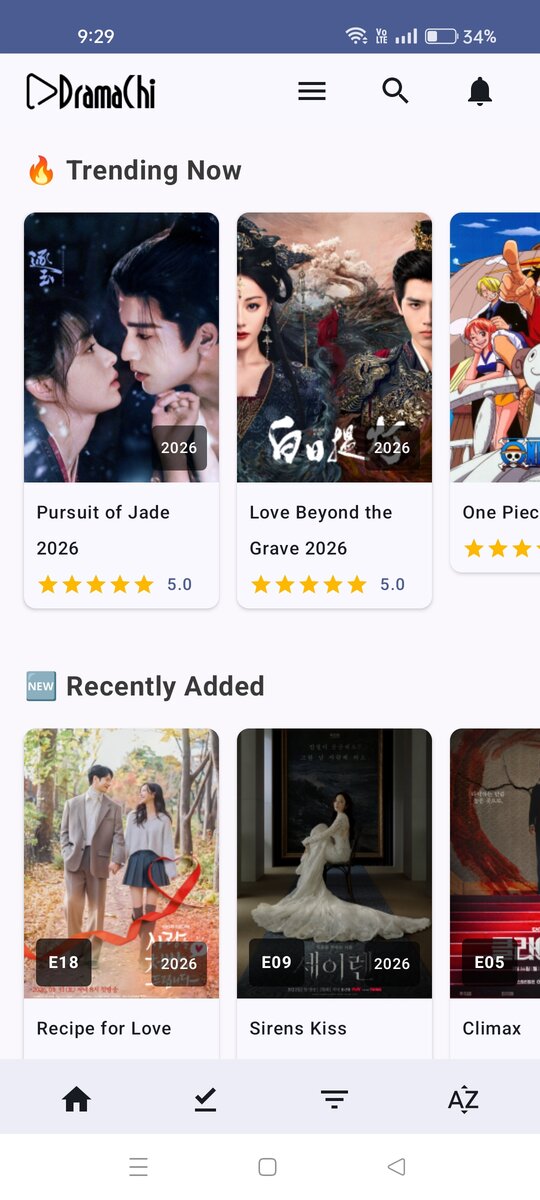
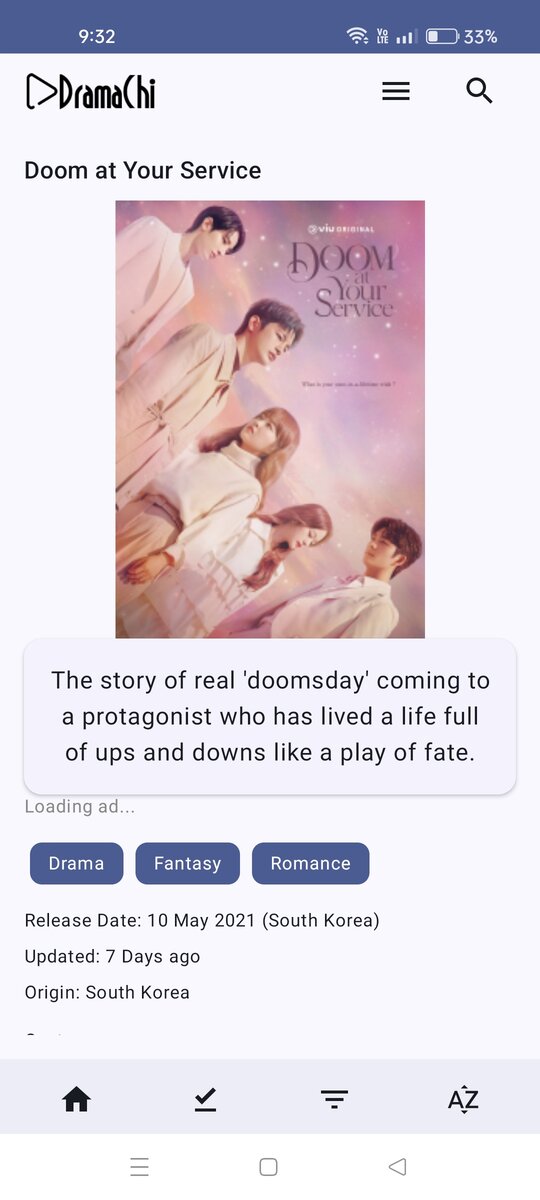
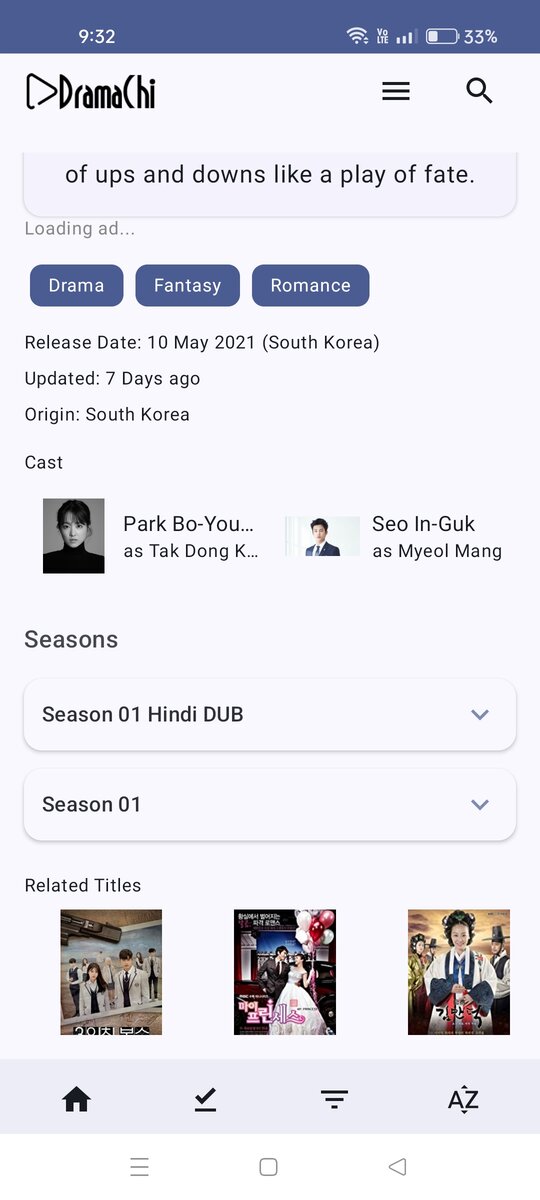
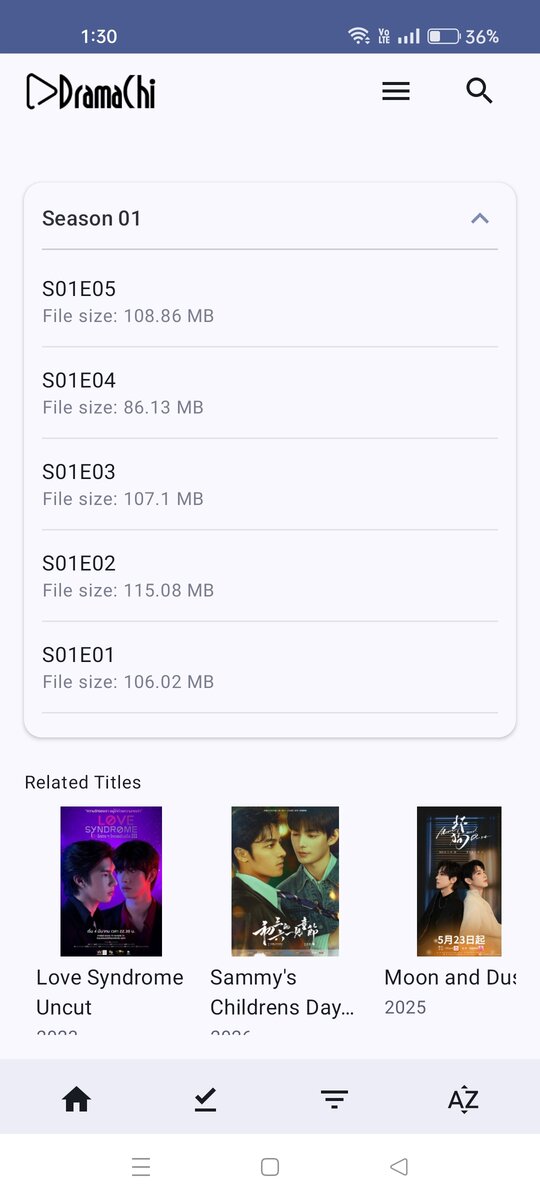
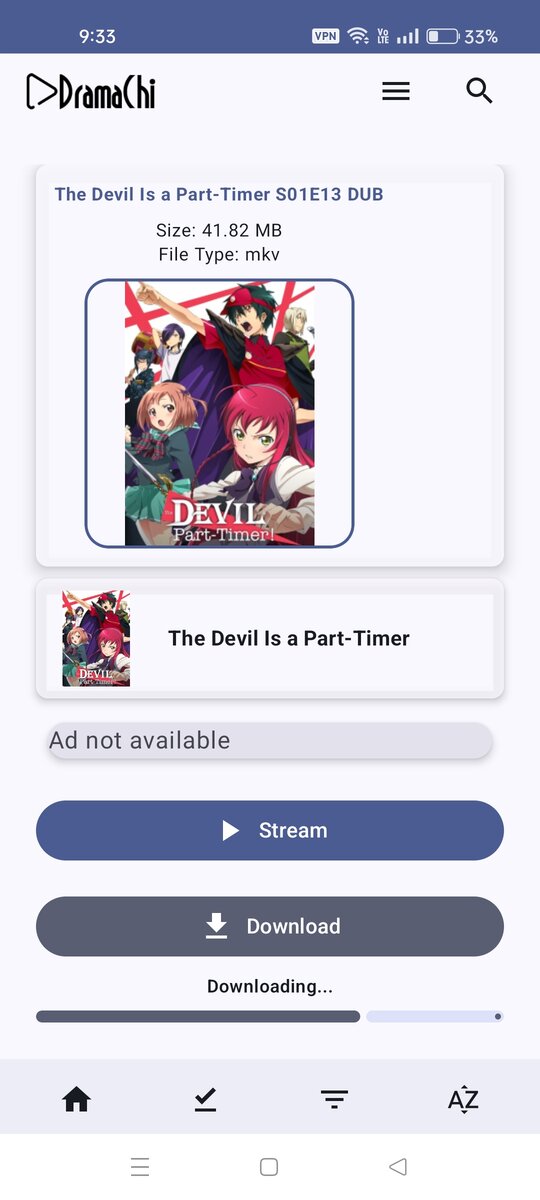
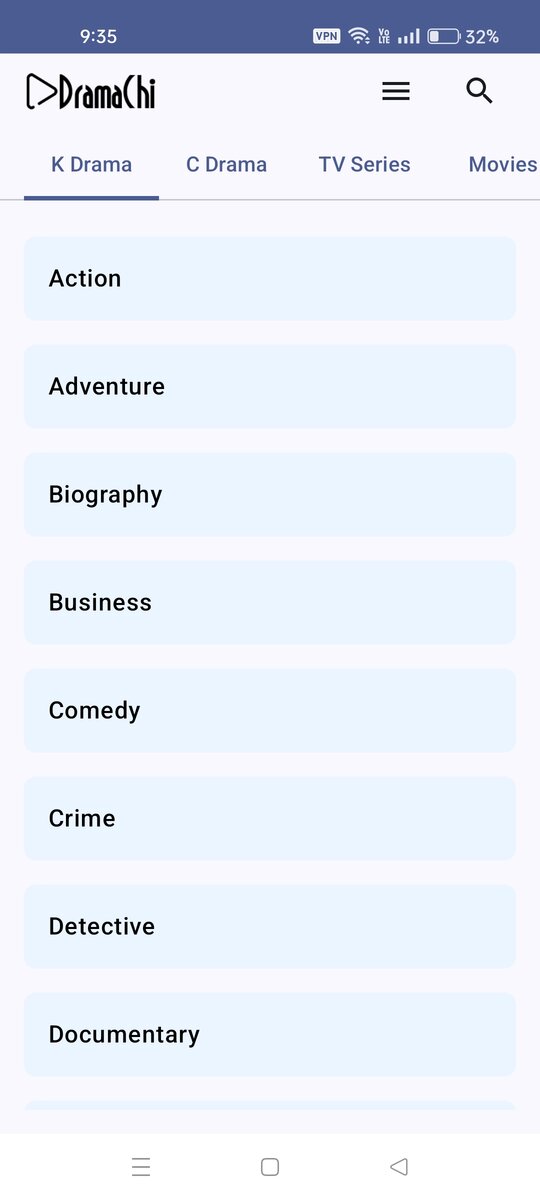
Dramachi app preview on Android
Why Dramachi

Everything you love, in one app

Built for mobile viewing — small files, big quality, and a library that never stops growing.

Asian Library

Korean, Chinese, Thai and Japanese dramas, TV series, movies and anime — updated every day.

MKV + HEVC (x265)

High-efficiency encoding saves data while keeping crystal-clear picture quality.

Offline Mode

Download episodes and watch anywhere — no internet connection needed.

No Buffering

Optimised streaming servers with adaptive bitrate for smooth playback.

Android Installation

How to install Dramachi on Android

Follow the 4 simple steps below. It takes less than 2 minutes.

1
Download APK

Tap the Download APK button. The 7 MB file is saved to your Downloads folder.

Tap Download
2
Allow Unknown Sources

In Settings → Security, allow your browser to install apps from unknown sources.

Enable in Settings
3
Locate the APK

Open the Downloads folder and tap dramachi_v2.9.apk.

Open Downloads
4
Install & Enjoy

Tap Install, wait a few seconds, then tap Open and start streaming.

Install & Play

Watch: How to install

Tap the play button to watch the step-by-step video guide.

How to install Dramachi on your Android device
Step by step · Chrome unknown sources included
Detailed installation guide
1
Download the APK

Tap the Download APK button on this page. The file dramachi_v2.9.apk (about 6.65 MB) will be saved to your Downloads folder.

Always download from dramachi.com to make sure you get the official, virus-free file.
2
Allow Chrome to install unknown apps

This is the most important step. Open Google Chrome and follow:

  1. Tap the three dots (⋮) in the top-right corner of Chrome.
  2. Tap Settings.
  3. Tap Site settings (or Privacy and security → Site settings).
  4. Scroll down and tap Install unknown apps.
  5. Find Chrome and turn “Allow from this source” ON.
Can't find it? Go to Settings → Apps → Special access → Install unknown apps → Chrome → Allow. On Samsung: Settings → Biometrics and security → Install unknown apps.
3
Open the downloaded APK file

Open your file manager (Files by Google, My Files, etc.) and go to:

Internal storage → Download → dramachi_v2.9.apk

Tip: you can also open Chrome → ⋮ → Downloads and tap the file there.

4
Tap “Install” and confirm

A permission screen will appear — tap Install. When it finishes, tap Open.

If you see “Unsafe app blocked” from Play Protect, tap More details → Install anyway. This warning appears for every app installed outside the Play Store — it does not mean the app is harmful.
5
Launch Dramachi and start streaming

Open the app, pick a drama, anime or movie and enjoy. No account, no sign-up, no fees.


Troubleshooting

An older Dramachi version may already be installed with a different signature. Uninstall the old app first (Settings → Apps → Dramachi → Uninstall), then install the new APK. Also make sure you have at least 100 MB of free storage.

The download was incomplete or corrupted. Delete the file and download it again over a stable Wi-Fi connection. Confirm the file size is around 7 MB before installing.

Some Android skins (Xiaomi / Redmi, Realme, OPPO, vivo) block sideloading by default. Go to Settings → Privacy protection → Special permissions → Install unknown apps and enable it for Chrome. On MIUI you may also need to turn off “MIUI optimisation” in Developer Options.

No. Dramachi is an Android-only application distributed as an APK file, which iOS does not support. You need an Android phone or tablet running Android 7.0 or higher.

Yes — as long as you only install APKs from sources you trust. We recommend enabling “Allow from this source” only for Chrome, installing Dramachi, and then turning the setting back off if you prefer. Dramachi contains no malware and requests no unnecessary permissions.
100% safe for your phone — no malware, no hidden permissions. Our APK is signed, verified and scanned by Google Play Protect and 60+ antivirus engines.
Preview

A look inside the app

Swipe through the Dramachi interface on Android

Swipe or use the arrows to explore

Dramachi APK for Android

Free · 7 MB · Android 7.0 and above

Download APK

Secure direct download from dramachi.com

  • 7 MB — lightweight & fast to install
  • Compatible with Android 7.0 up to Android 16+
  • No registration required
  • Scanned by Google Play Protect & 60+ antivirus engines
Release details

Version 2.9

Version
2.9
File size
5.5 MB
Requires
Android 7.0+
Released
24 Sep 2026
What's new in v2.9
  • Download issue fixed!
  • Gallary export fixed!
  • Improved subtitle sync & multi-audio
  • Bug fixes for Android 15 & 16
Download APK